Support
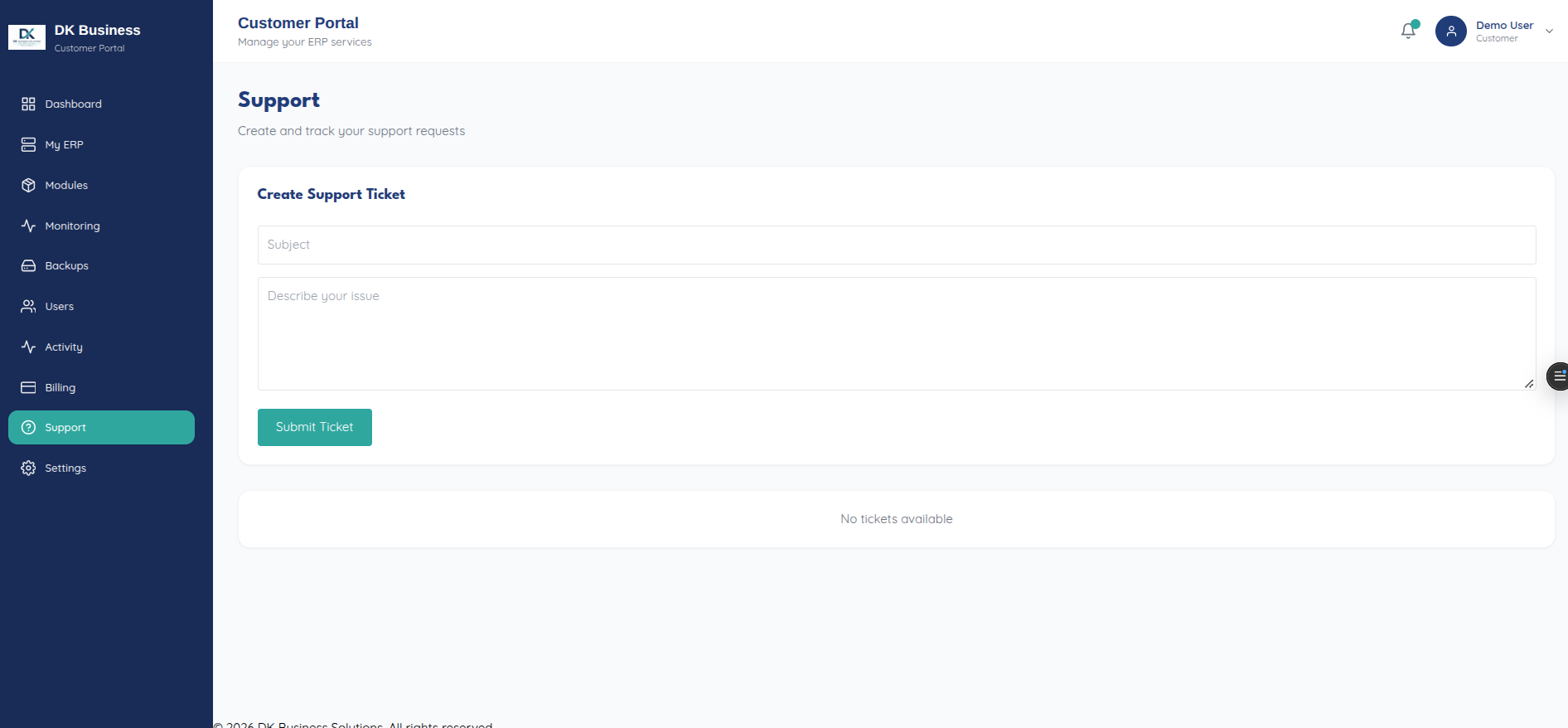
The Support page (/support, “Create and track your support
requests”) lists your tickets and their status, and lets you open one to
see the full conversation thread and reply.
Opening a ticket
The new-ticket form only asks for two things:
Field |
Notes |
|---|---|
Subject |
|
Description |
“Describe your issue” |
Priority isn’t selectable from this form — every ticket created through
the portal is submitted at priority: "medium" regardless of urgency,
even though the underlying API accepts a priority field (see
Tickets (API reference)). If you need a
ticket treated as higher priority, say so in the description for now.
Replying to a ticket
Opening a ticket shows the full conversation thread, with a reply box at
the bottom to add to it — this maps to
POST /api/tickets/<id>/reply under the hood.
For the underlying endpoints (list, create, detail, reply), see Tickets (API reference).