Create your account
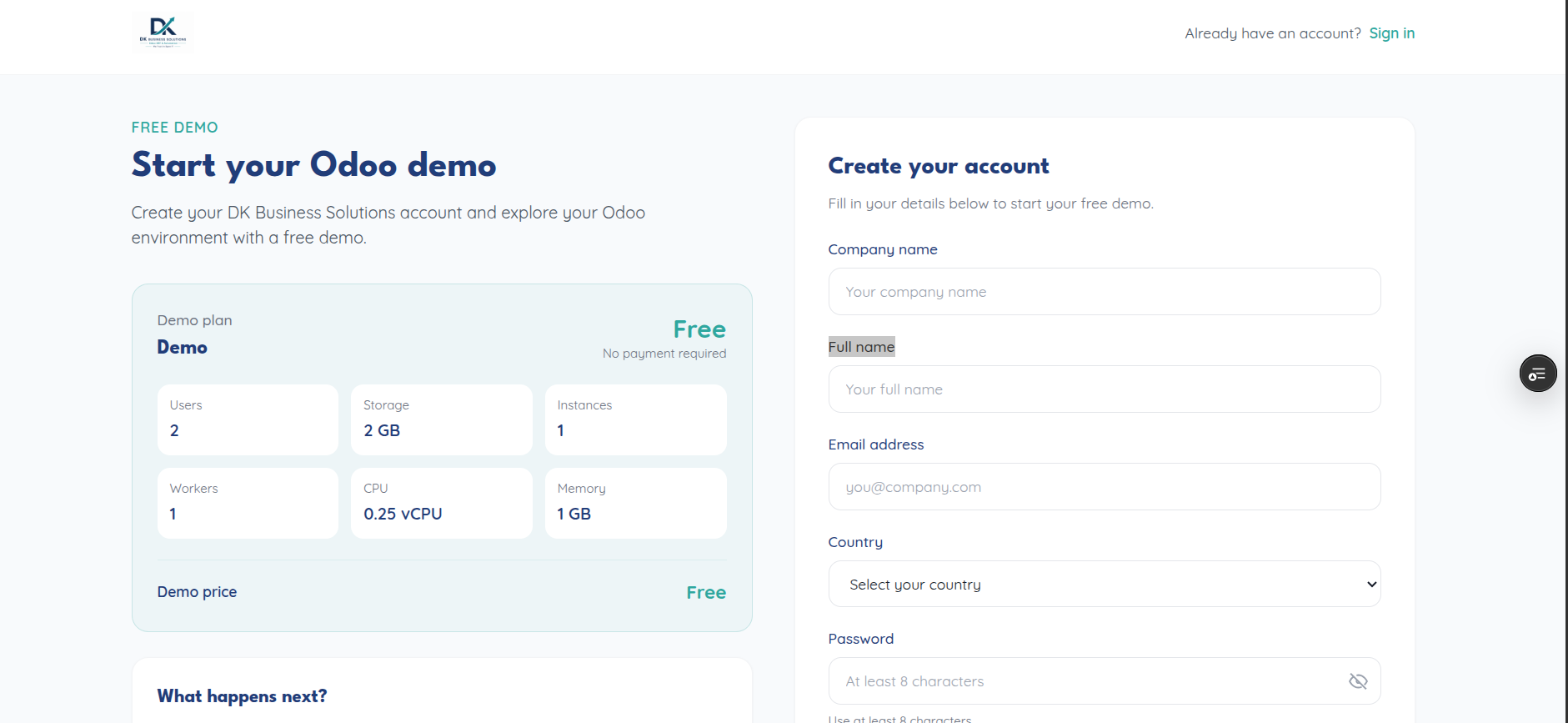
Registration is a single form at /register, collecting:
Field |
Notes |
|---|---|
Company name |
Free text |
Your full name |
|
Country |
Select — required before you can continue |
Password |
At least 8 characters |
Confirm password |
Must match |
You can also register with Google, GitHub, GitLab, or Bitbucket instead of a password — the country selection is still required first, even for social sign-up.
How it connects to plan selection
If you arrived at /register after picking a plan on the
Choose a plan page, your selected plan and sizing
(users/storage/billing cycle) travel with you and are bundled into the
configuration sent with your registration — you won’t be asked to pick a
plan twice. If you go straight to /register without picking a plan first,
you’ll be prompted to choose one afterward.
Once submitted, this calls POST /api/register (or POST /api/demo/register
if you’re starting a trial) — see API reference
for the request/response shape if you’re integrating separately.