Dashboard
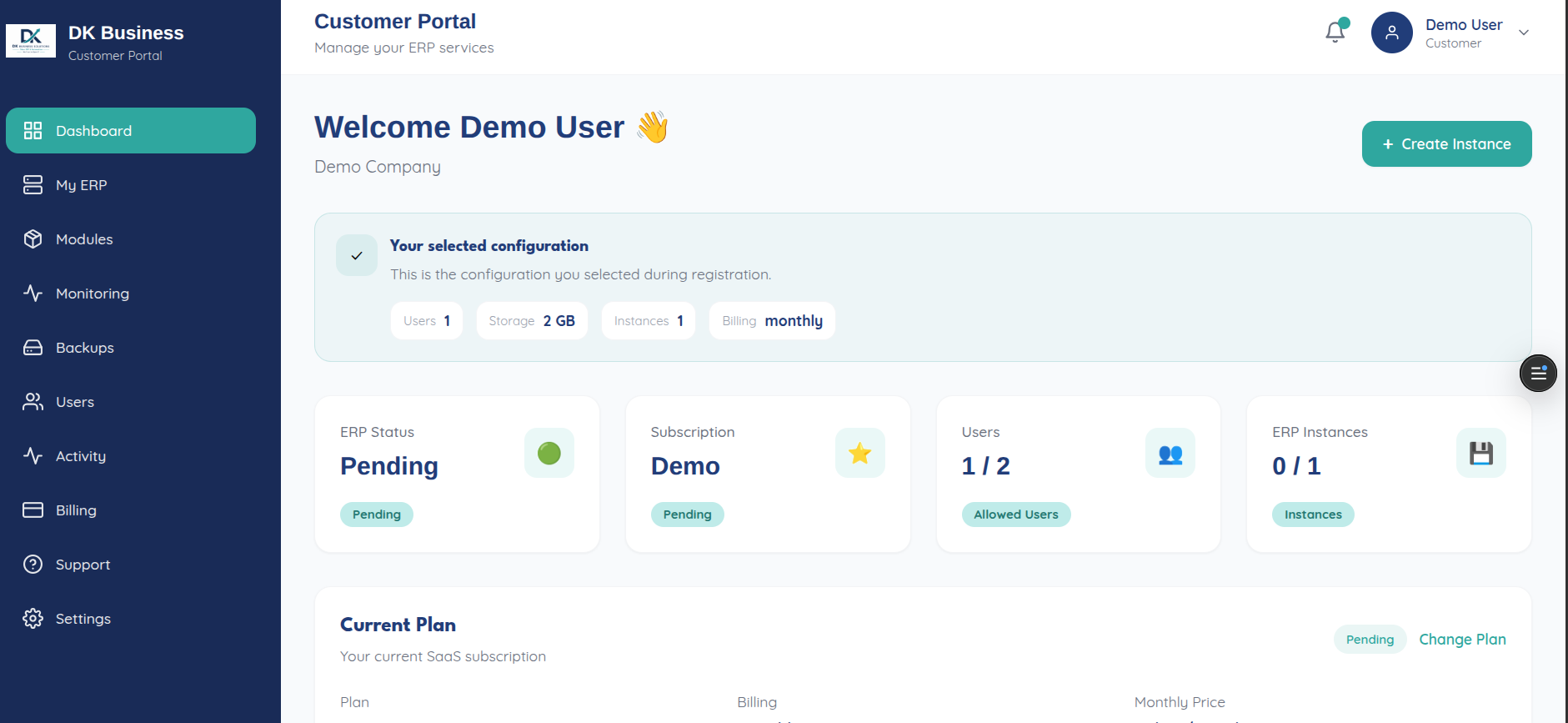
Your dashboard (/dashboard) opens with “Welcome {your name} 👋” and
your company name, then surfaces (via a single GET /api/dashboard call —
see API reference):
Your active instances, with quick CPU/Memory usage cards per instance
Subscription and plan status
Recent activity feed
A Create Instance button — hidden automatically once you’ve reached your plan’s max instance count
If you started a free trial from the plans page, the dashboard is also where you land immediately afterward.