Managing instances
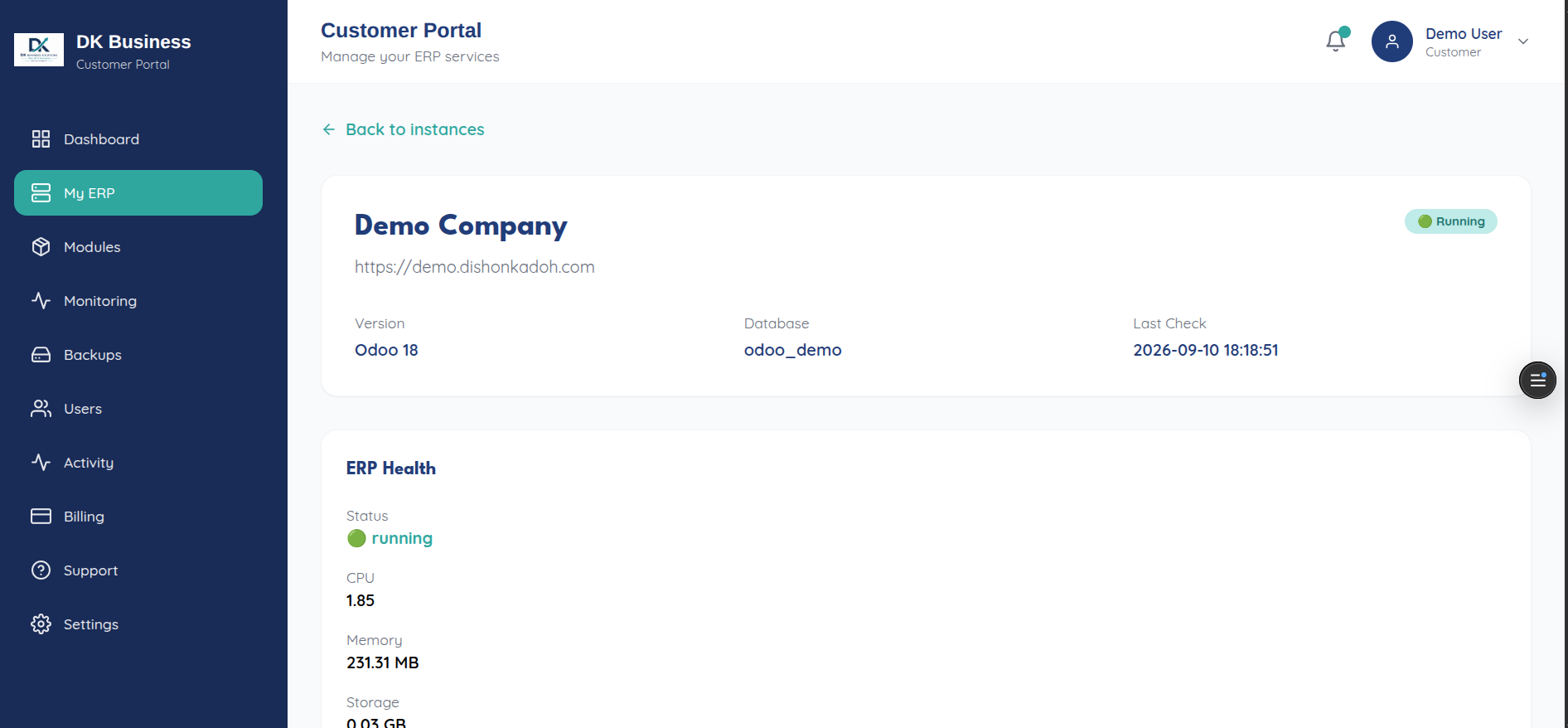
My ERP Instances (/instances) lists every instance on your account.
From here you can:
Open an instance’s detail page for full status, resource usage, and lifecycle actions (start/stop/restart, trigger a backup, view logs)
Create a new instance — see Create your first ERP instance
See an Instance limit reached notice if your plan’s instance quota is used up, instead of the create button
If you have no instances yet, you’ll see a No ERP Instance empty state with a prompt to create one.
For the underlying API, see Instances.