Managing users
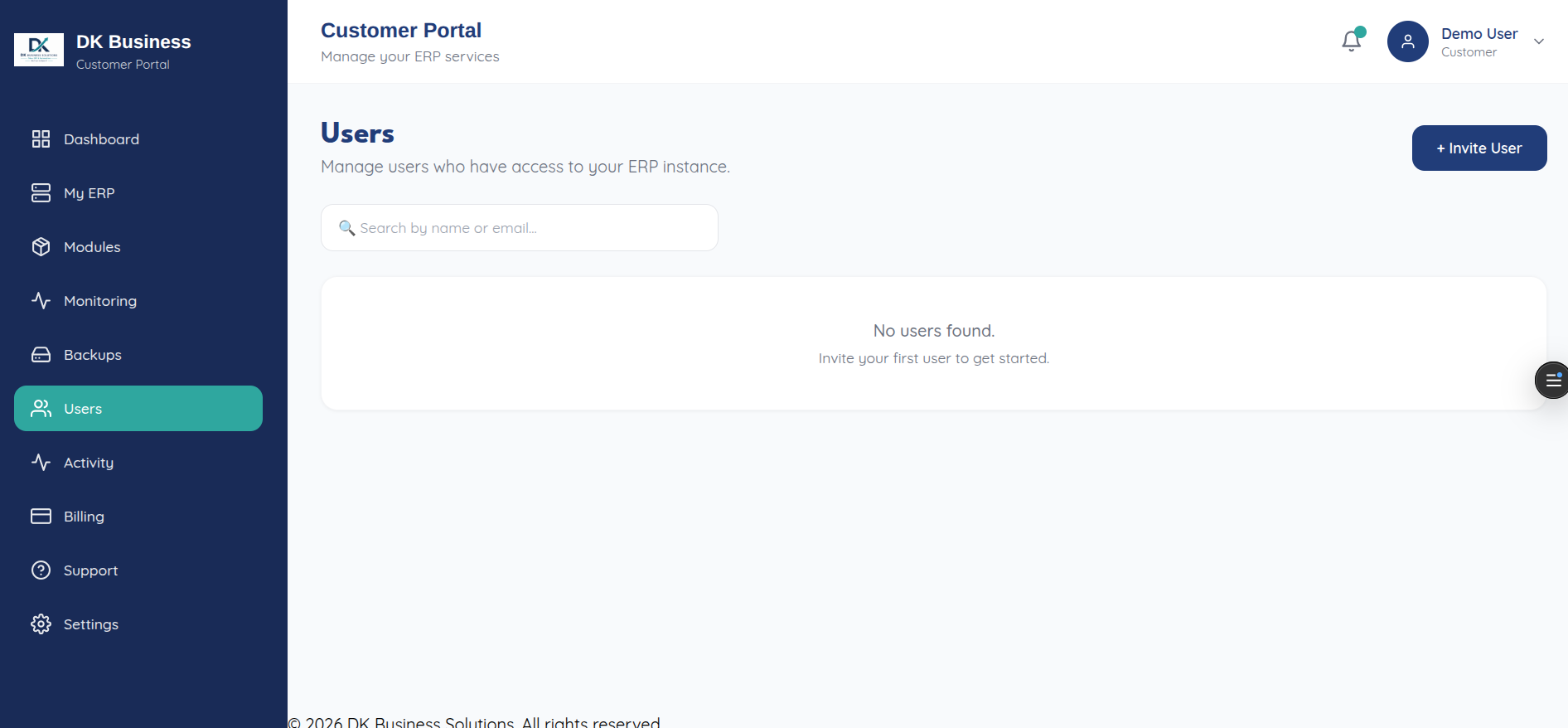
The Users page (/users, subtitled “Manage users who have access”)
lists everyone with access to your account and lets you invite new
teammates by email, assign a role, and revoke access later.
Inviting someone doesn’t create their account directly — they receive an invitation link and set their own password when they accept it. See Users (API reference) for the full invite/accept/resend/cancel flow if you’re scripting this instead of using the UI.