Managing modules¶
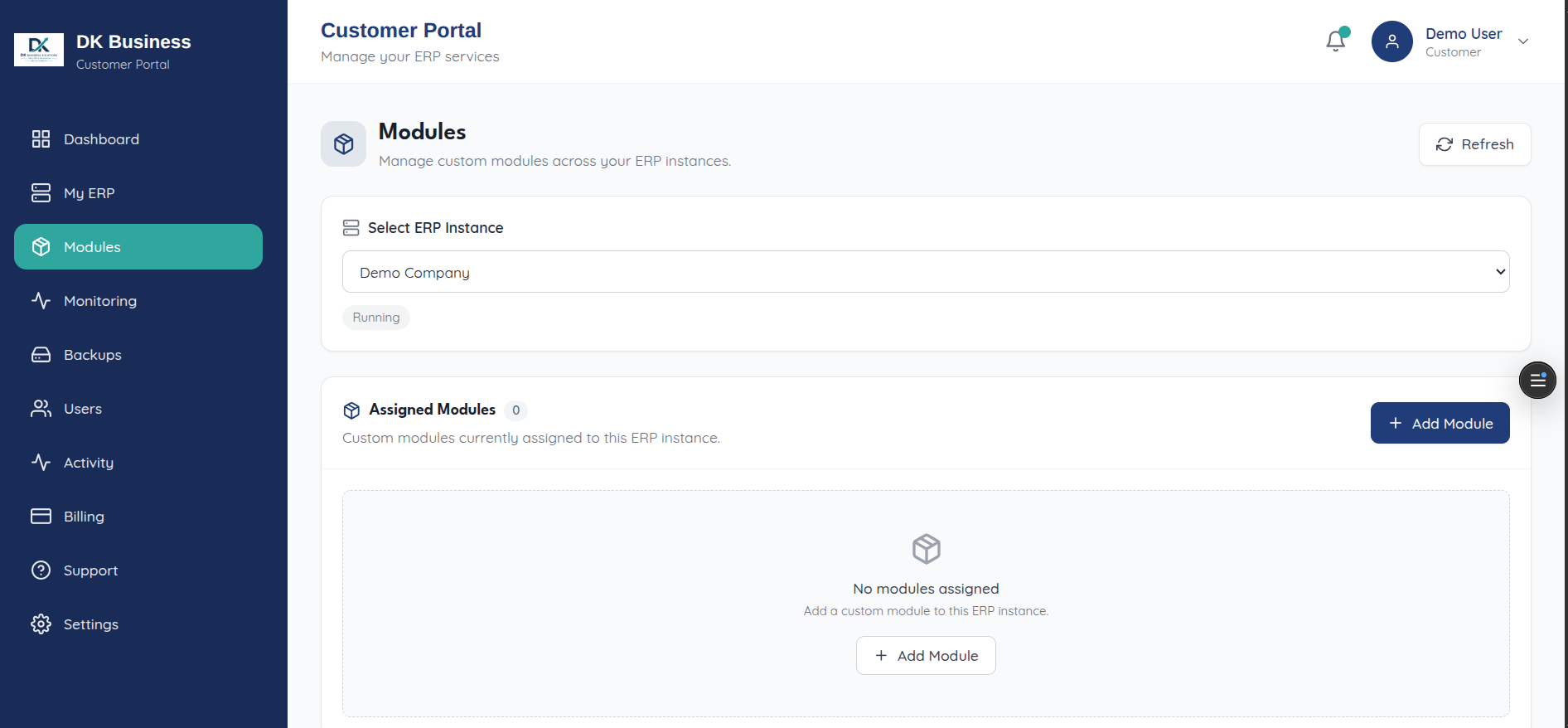
The Modules page (/modules, “Manage custom modules and addon
sources”) is scoped per-instance — start by selecting which ERP instance
you’re configuring, then:
View Assigned Modules already installed on it
Add Module from the catalog
Modules here are distinct from addon sources (configured under Settings) — an addon source is where custom module code comes from (typically a Git repo); assigning/installing is the separate step covered on this page. See Architecture § Custom addons for why that split exists.