Access your ERP
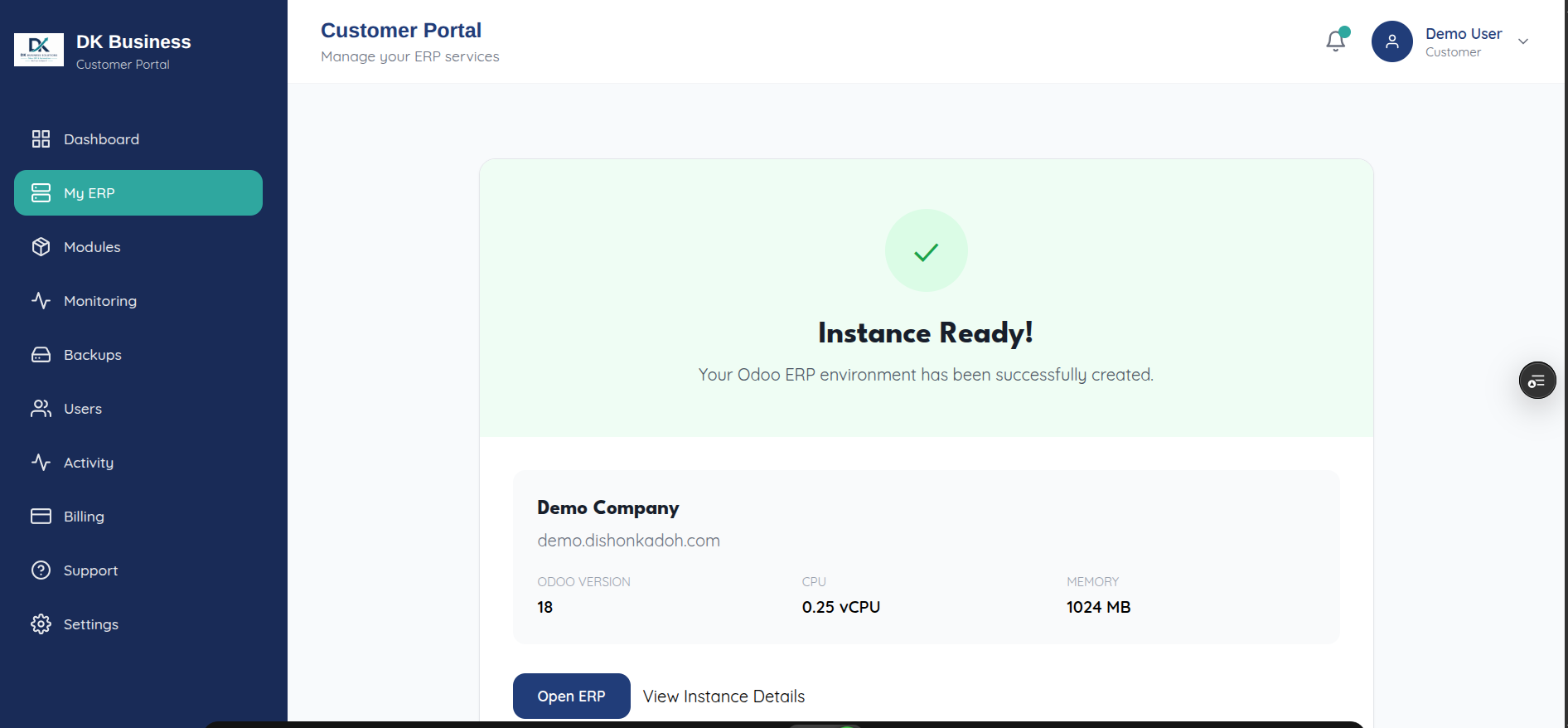
Once your instance shows ERP Instance Ready, click Open ERP — either
from the provisioning screen or later from the instance’s detail page
(/instances/<id>). This opens your instance’s URL
(https://<subdomain>.dishonkadoh.com) in a new browser tab.
Log in with your Odoo credentials for that instance — these are separate from your DK SaaS portal login, since the portal and your ERP instance are different applications.
If “Open ERP” doesn’t do anything, check that your instance actually
reports a public_url or url — the button silently does nothing (logging
an “Instance URL missing” error to the browser console) if neither is set
yet, which usually means provisioning hasn’t fully finished.
From here, day-to-day management of the instance itself (installing modules, managing your Odoo users, monitoring, backups) happens back in the DK portal — see the User Guide.